







One Piece Burning Blood
ارسال فوری کد به ایمیل

کد فعالسازی چند دقیقه پس از پرداخت برای شما ارسال میشود
رایگان
کد فعالسازی اورجینال

روی پلتفرمی که در مشخصات محصول آمده فعال کنید
منطقه
GLOBAL
ضمانت تعویض

اگر کد فعال نشد، تعویض میکنیم یا وجه را برمیگردانیم
پشتیبانی
۲۴ ساعته
- کد فعالسازی اورجینال؛ ارسال خودکار به ایمیل بلافاصله پس از پرداخت
- قابل فعالسازی روی Steam
- در صورت خرابی کد، تعویض یا بازگشت وجه
- سؤالی دارید؟ پشتیبانی تلگرام ۲۴ ساعته
۱٬۰۵۰٬۰۰۰ تومان
1 عدد در انبار
1 عدد در انبار
پیشنهاد ویژه
توضیحات
راهنمای فعالسازی روی Steam
- برنامهٔ Steam را باز کنید و وارد حساب خود شوید.
- از منوی «Games» گزینهٔ «Activate a Product on Steam» را بزنید.
- کد را وارد کنید و بازی به کتابخانهٔ شما اضافه میشود.
- برای کدهای منطقهای (EU/US) هنگام فعالسازی از IP همان منطقه استفاده کنید.
مشخصات
- سازنده: Spike Chunsoft Co., Ltd.
- ناشر: BANDAI NAMCO Entertainment
- تاریخ انتشار: 2016-09-02
- ژانر: Action, Sport
- زبانها: English
متن اصلی تأمینکننده (انگلیسی): توضیحات، سیستم مورد نیاز و جزئیات فعالسازی
About the product
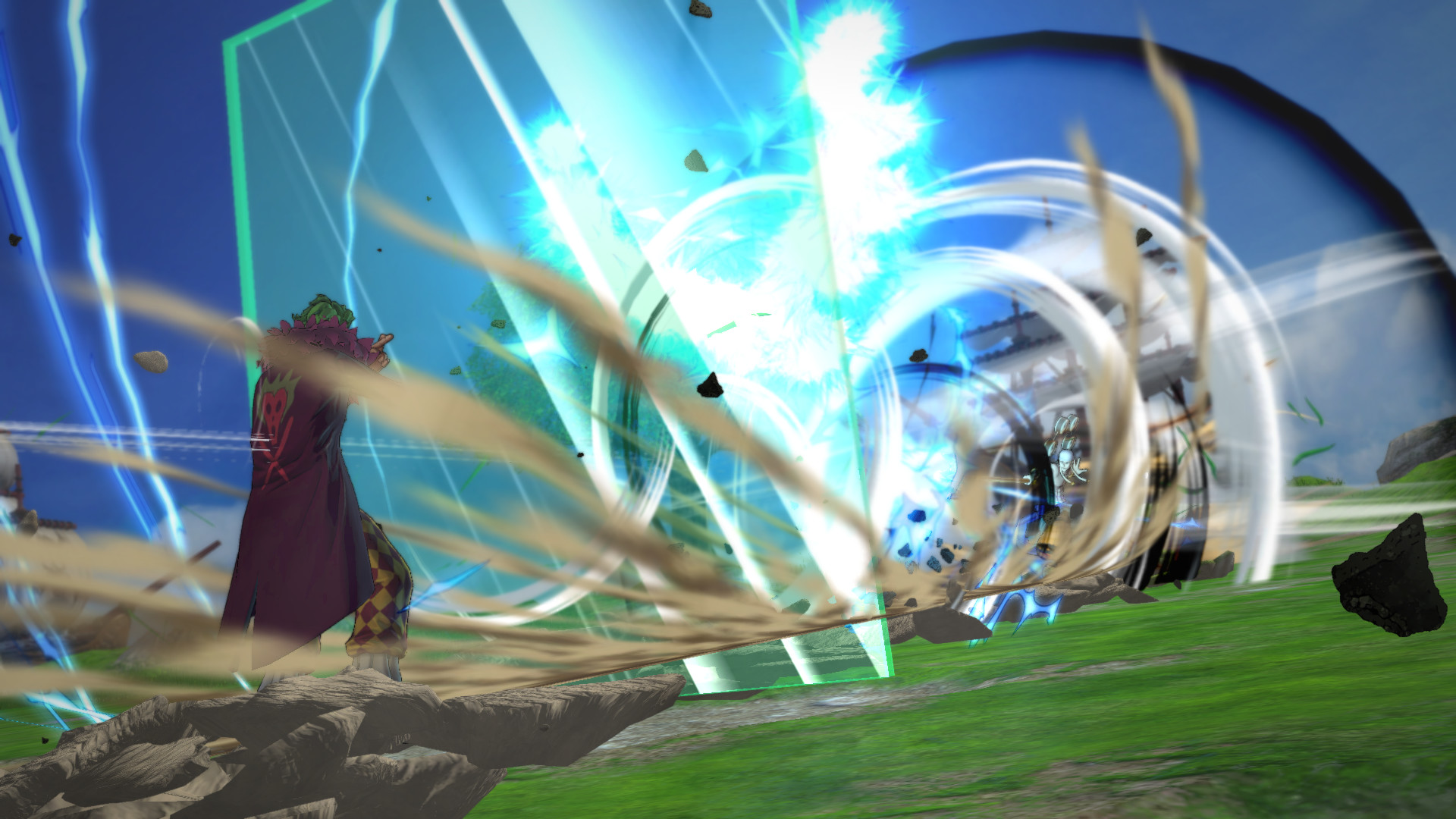
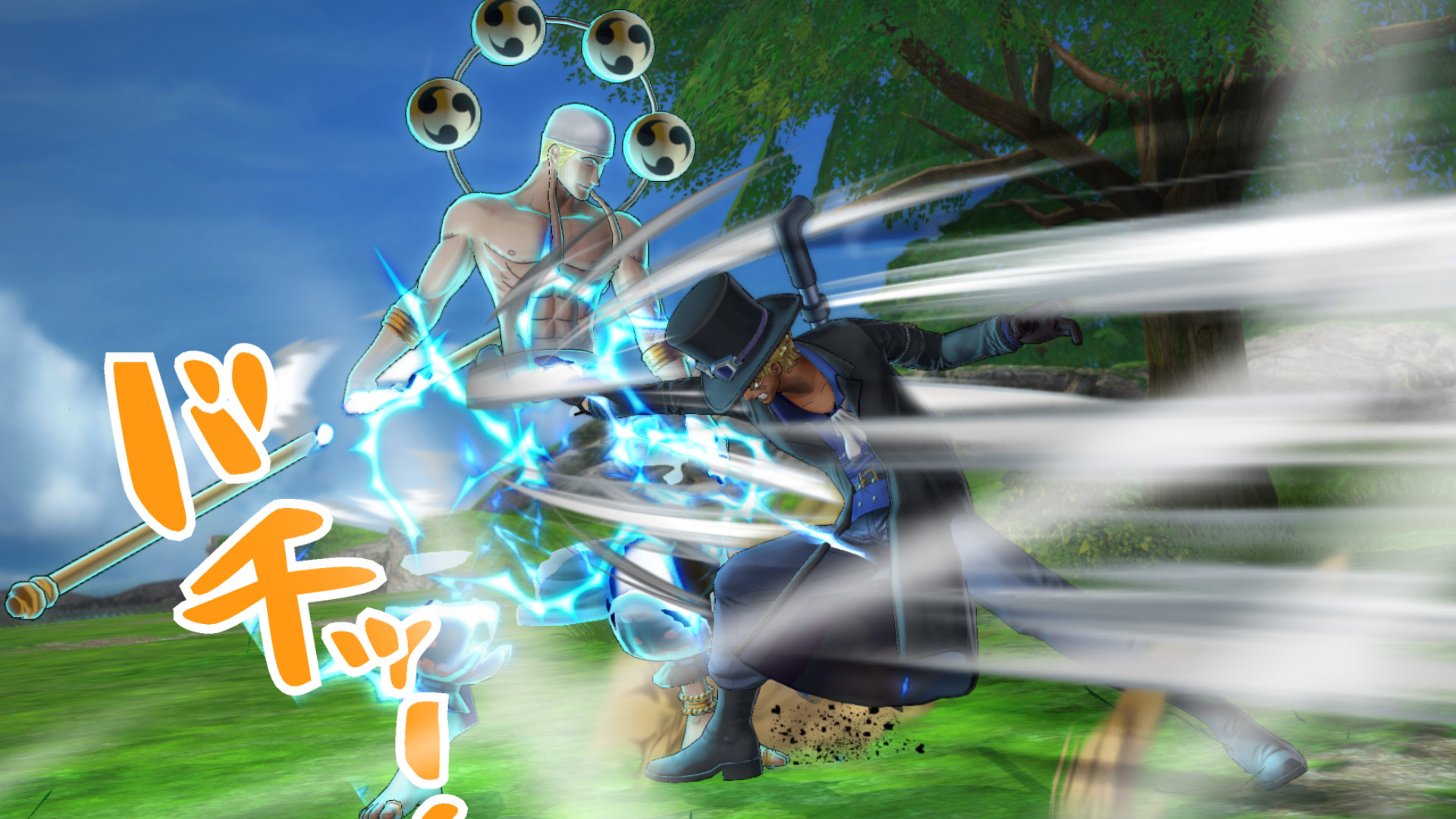
One Piece Burning Blood is a dynamic and colourful new fighting game featuring the world’s most famous pirate: Monkey D. Luffy. Features A FAST-PACED FIGHTING GAME – Get ready for some crazy action and devastating combos! DEVIL FRUIT/HAKI ABILITIES – Devil Fruits and “Haki” can be used to do massive special moves and take down the fiercest opponents! 3 vs. 3 RUMBLE – Switch from 3 characters at any time during the fight and trigger amazing attacks! THE MOST EPIC BATTLE – Relive the Marineford War through intense fights and cutscenes! INCREDIBLE ROSTER – More than 40 playable characters coming from all over Grand Line and beyond!
Minimum system requirements
Windows:
OS: Windows 7 64-bit Processor: Intel Core i3-4170 @ 3.70GHz Memory: 4 GB RAM Graphics: NVIDIA@ GeForce@ GTX 460 or better DirectX: Version 11 Network: Broadband Internet connection Storage: 15 GB available space Sound Card: DirectX compatible soundcard or onboard chipset
Activation details
Go to: http://store.steampowered.com/ and download STEAM client Click "Install Steam" (from the upper right corner) Install and start application, login with your Account name and Password (create one if you don't have). Please follow these instructions to activate a new retail purchase on Steam: Launch Steam and log into your Steam account. Click the Games Menu. Choose Activate a Product on Steam… Follow the onscreen instructions to complete the process. After successful code verification go to the "MY GAMES" tab and start downloading.





















نقد و بررسیها
هنوز بررسیای ثبت نشده است.